Bring your slides. Leave the laptop.
A mosque admin invites you by email, and you get your own Asatizah Dashboard. Upload your material, request affiliation with other mosques, and present on the mosque's display with your own PIN. One account and one PIN work at every mosque that has approved you.
By invitation only
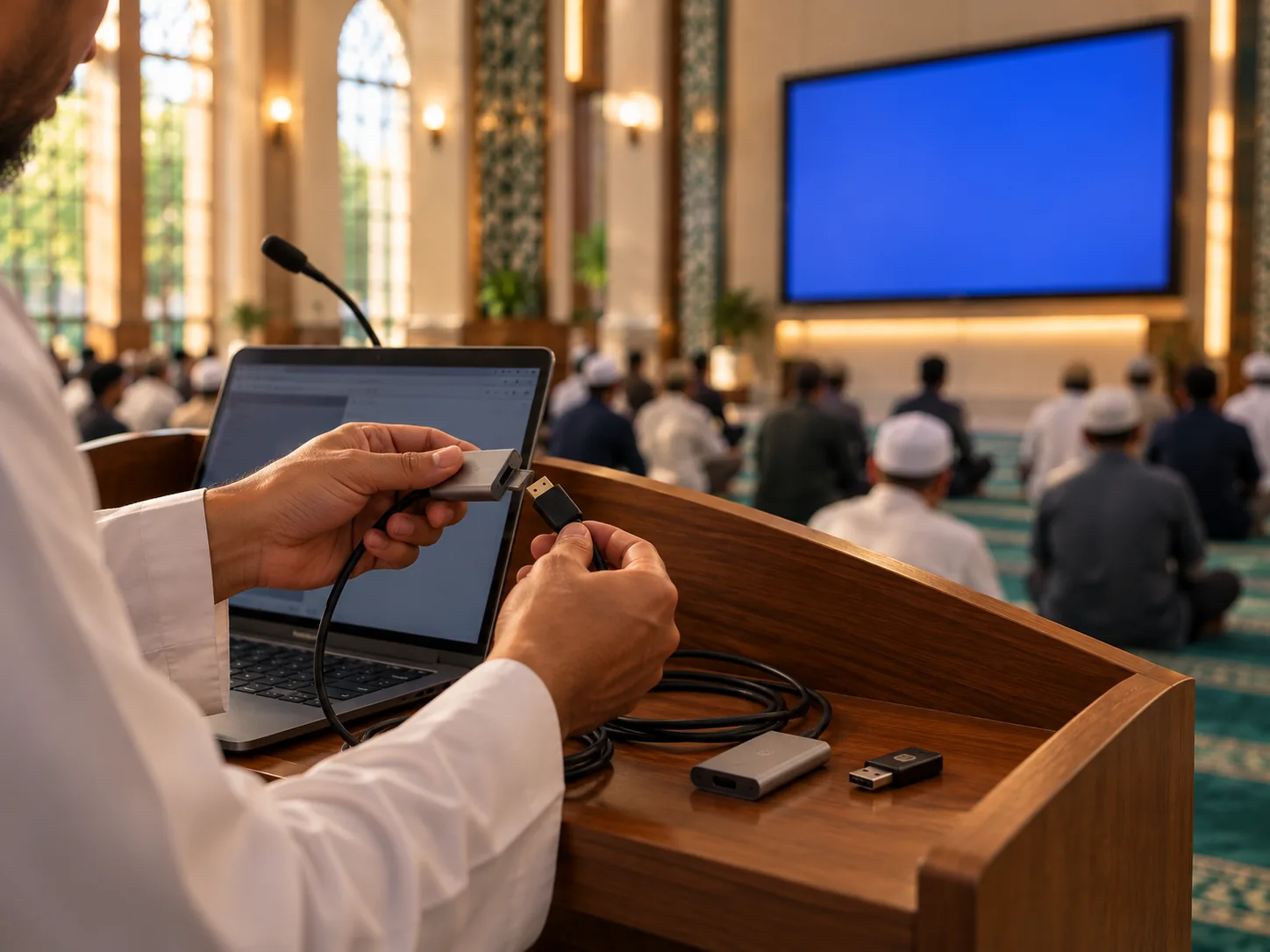
You are asked to speak, and the small worries begin. Did I bring my slides? Will the screen take my laptop? Do I know how this mosque's system works?
With Awqōt, you upload your slides ahead of time and present with your own PIN. Nothing to carry, nothing to switch.
A few plain steps, all explained in the help centre.

A mosque admin sends you an invite by email.

Your own Asatizah Dashboard holds your profile and slides, and you can request affiliation with other mosques.

Once a mosque approves you, you appear as a tile on its Live Session Control Panel. Enter your PIN and your slides are on the display.