Your mosque's screen, run by your mosque.
Prayer times, announcements, the khutbah and your visiting asatizah, on any screen with a browser. Get your own yourmosque.awqot.app and point a screen at it.

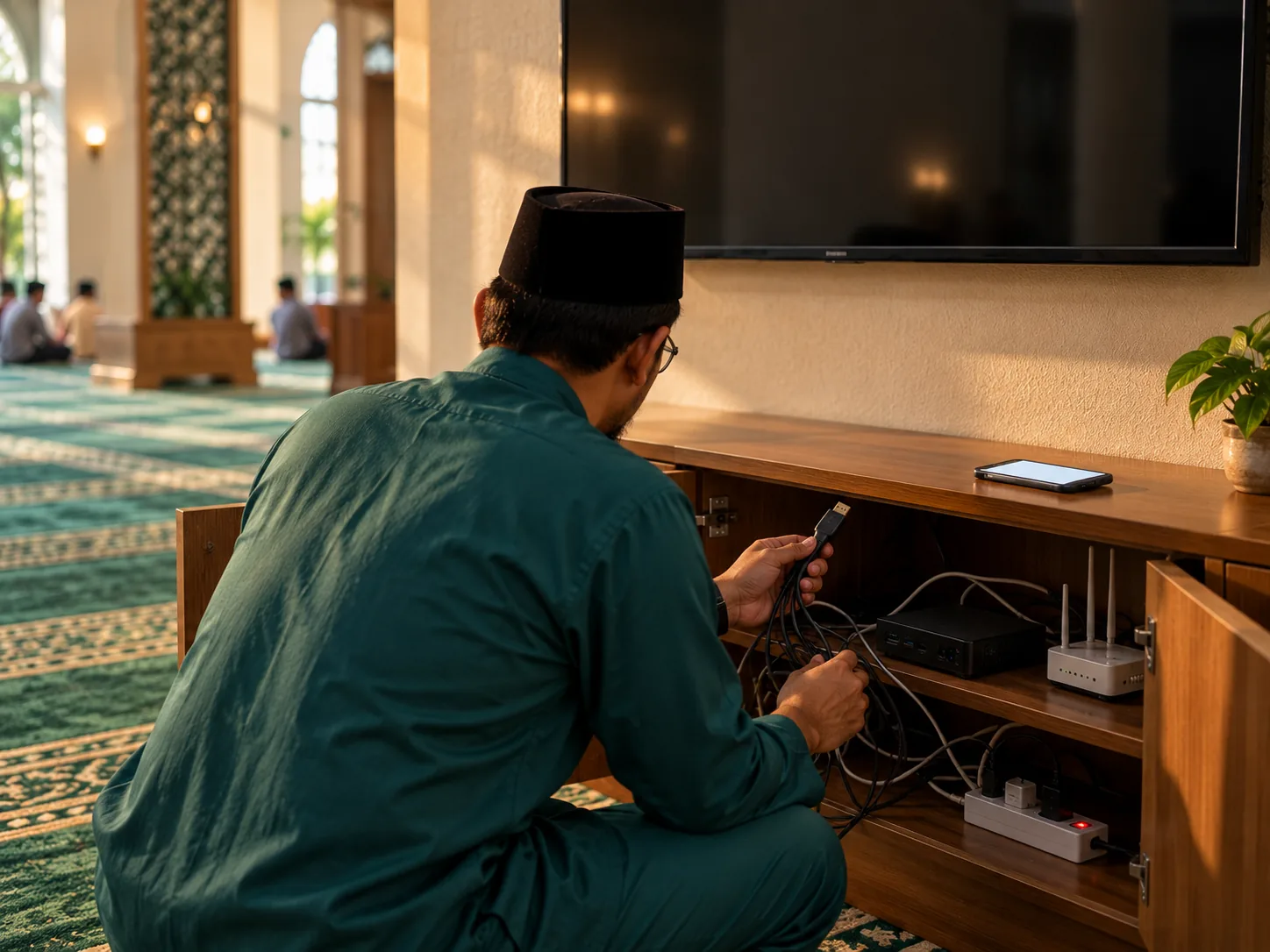
Many mosque screens still run on old systems that struggle to keep up. Behind each one sits a chain of devices, apps and platforms that all have to work together, every day. When one link fails, the screen goes dark, the date drifts, and someone's phone becomes the announcement board.
Awqōt brings the clock, prayer times, alerts, announcements and live khutbah into one system.
Prayer times from MUIS.
Pre-loaded for Singapore, with adzan alerts and no manual entry.
The Hijri date, changed at Maghrib.
The Islamic day begins at Maghrib, not midnight. Most displays get this wrong, and your jemaah notice.
Your announcements.
Upload PDFs or images (PNG, JPG), from Canva or anywhere. They rotate in the order you set.
A panel for what matters most.
A square image and a short caption, often a donation QR code.
Your mosque's look.
Your colours, your logo, a header line above the slides.
A quiet reflection.
Qur'an and Hadith excerpts rotate beside the prayer times.
It keeps running offline.
If the internet drops, the display still shows prayer times and slides.

Khutbah and kuliah, one flow
Run the khutbah and the lecture after it from one Live Session. Show the camera, choose whether captions appear, and move to the next speaker's slides without the display dropping back to its rotation. The congregation sees only the session.
Invite an ustaz or ustazah, and they upload their own slides and present with their own PIN. You can reset an ustaz's or ustazah's PIN, and your mosque keeps a record of who entered.
How it works for asatizah →

A clock for the imam's room.
Open yourmosque.awqot.app/clock for an analogue and digital clock and your prayer table, with the same prayer cards as the main display, so the imam and muadzin know when the time has come.
See the clock demoShare your link.
Jemaah follow your slides on their own phones. It reads as official, opens straight to the slide, and shows nothing else, unlike a forwarded Canva link.
Live in an afternoon
 1. We give you your subdomain.
 2. You point any TV, monitor or spare tablet at it.
 3. You manage it from anywhere.

Each mosque has 200 MB: 150 MB for slides and 50 MB for everything else. Your dashboard shows what you have used.
The mosque display system is run as a waqf, free for Singapore mosques.

Direct Canva integration. Push slides to your display without exporting a PDF.